Data Cabling in Cherrybrook: When Wi-Fi Isn't Enough
The video call freezes upstairs while the television buffers downstairs, yet everything works perfectly when you stand beside the router. Data cabling in Cherrybrook can give home offices, televisions, access points and other fixed equipment a dedicated wired connection instead of asking Wi-Fi to handle every corner of the property. The best network starts by identifying where reliable connectivity is actually needed.
- Office dropoutsA fixed connection can reduce reliance on distant wireless coverage.
- Temporary cablesPermanent outlets can create a cleaner long-term setup.
- Renovation planningOpen walls provide an opportunity to consider future network locations.
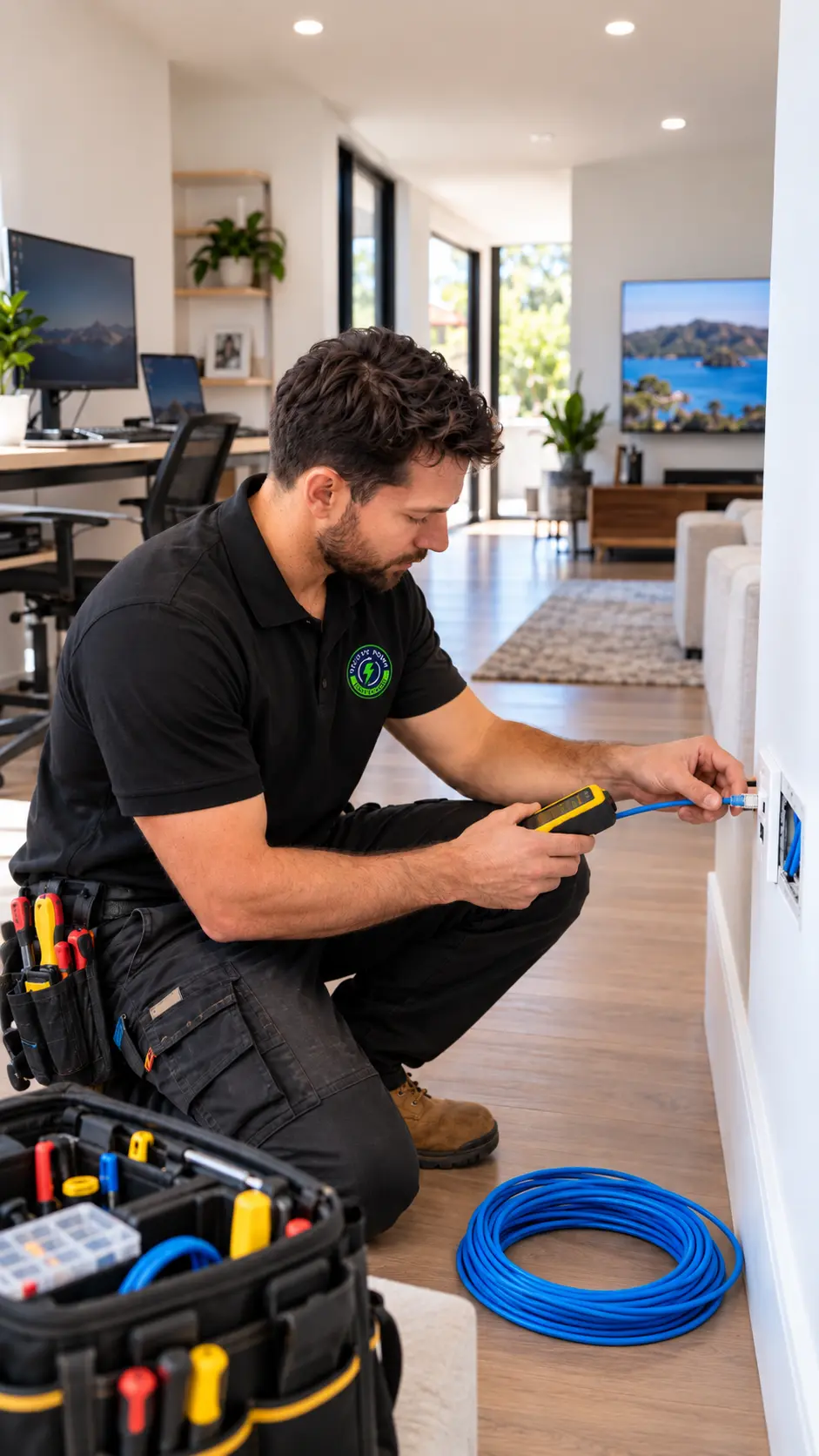
Wire the Devices That Stay Put
Good data cabling in Cherrybrook does not mean running Ethernet to every wall simply because you can. Start with equipment that normally stays in one place, such as a work computer, television, network equipment or wireless access point. Wired connections can take some pressure away from the wireless network while Wi-Fi remains available for phones, tablets and portable devices. The best setup usually combines both rather than trying to make one technology do everything.
Weak room
One bedroom or study consistently gets poorer connectivity than areas near the router. Before adding cabling, note exactly where the performance changes.
Repeat dropouts
A fixed computer, television or work setup regularly loses a usable connection. That makes a permanent wired point worth considering.
Poor cabling
Existing communications cabling looks damaged, altered or unreliable. Have it properly assessed before extending more network infrastructure from it.
Signs Your Home Network Needs Rethinking
Internet problems are often blamed on the service provider first, but the connection inside the home matters too. Router position, distance, building layout, device numbers and the way equipment connects can all influence the experience. The useful question is whether the internet itself is slow or whether particular rooms and devices are struggling to reach it. That distinction can prevent unnecessary network work.
Office Dropouts
A fixed workstation repeatedly loses a stable connection during everyday use.
Wi-Fi Dead Zone
One area performs poorly while rooms near the router work normally.
Buffering Devices
Stationary televisions or equipment repeatedly struggle with wireless connectivity.
Messy Cabling
Temporary leads and adapters can reveal poor permanent network planning.
Larger Layouts Change Connectivity
Cherrybrook's average occupied dwelling had 3.8 bedrooms in the 2021 Census.Australian Bureau of StatisticsA larger layout can place a home office, television or upstairs bedroom several walls away from the main network equipment. That does not mean every room needs a data outlet. It means the network should be planned around actual device locations rather than assuming one router position will suit the entire property equally.
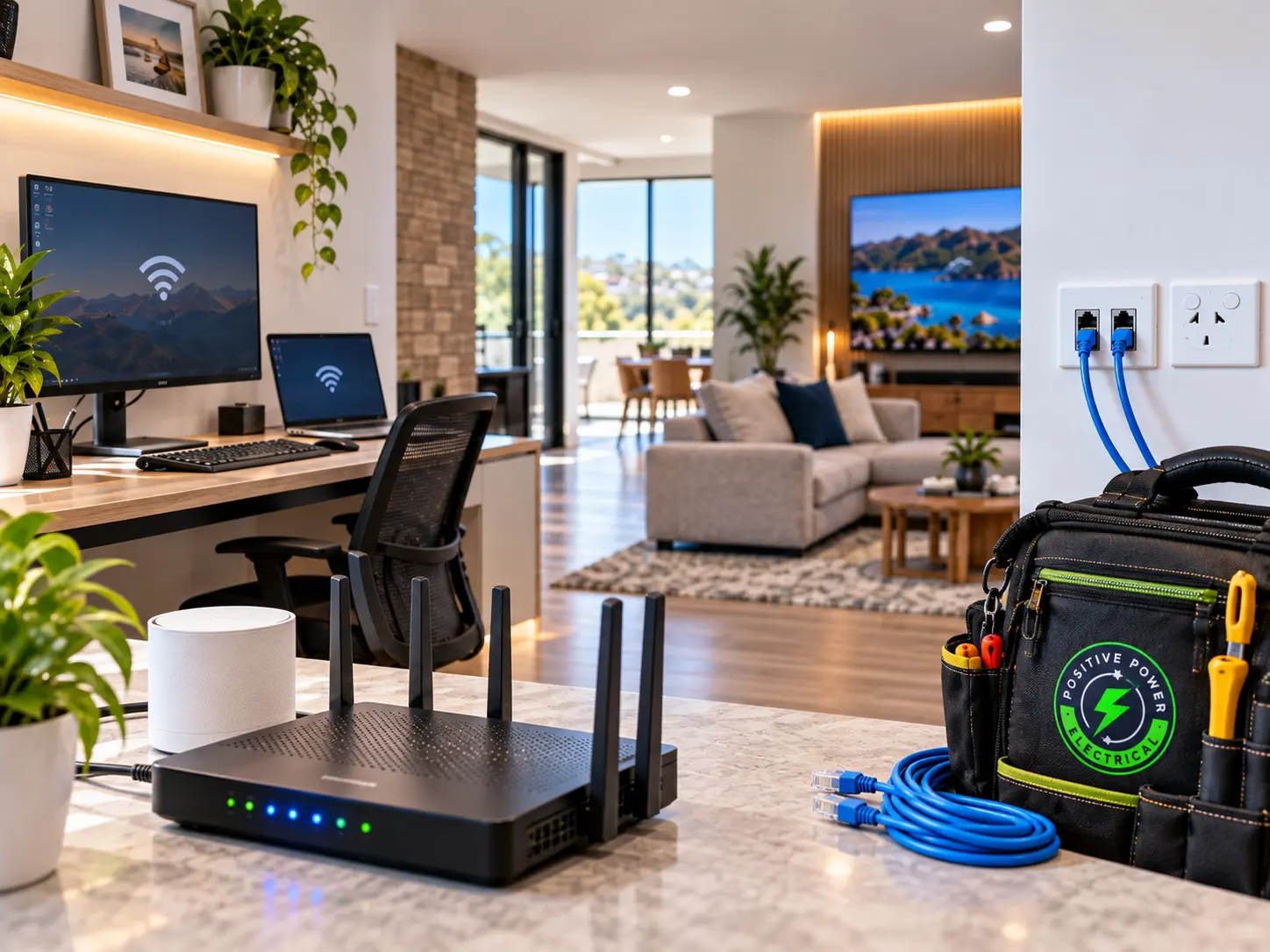
What Causes Poor Home Network Performance?
A slow laptop does not automatically mean the internet connection coming into the property is slow. Wireless distance, physical barriers, network layout and existing cabling can all contribute differently. Finding which part is actually weak helps avoid installing hardware that does not solve the original problem.
1
Distance
Greater separation can weaken wireless connectivity between rooms.
2
Barriers
Walls and building materials can reduce wireless signal strength.
3
Congestion
Many connected devices can compete for available wireless capacity.
4
Layout
Poor equipment positioning can create unnecessary network weak spots.
5
Cabling
Damaged or unsuitable cabling can compromise fixed network connections.
How Data Cabling in Cherrybrook Gets Planned
A useful cabling plan starts with devices and rooms rather than cable quantity. The router or network equipment, home office, televisions and wireless coverage can then be considered together. The finished network should put reliable connections where they provide real value rather than simply filling the house with unused outlets.
Step 01
Map the Devices
Identify equipment that stays in one location and relies heavily on a stable connection. This usually gives a clearer picture of where wired connectivity is most useful.
What we look for
Network Planning Clues
- Router and equipment location
- Rooms needing fixed connections
- Practical cable pathways
Step 02
Design the Layout
Data points and network equipment can be positioned around how the property is actually used. The plan should also leave wireless connectivity available for mobile devices rather than trying to replace Wi-Fi entirely.
Step 03
Connect and Check
Once the appropriate cabling is installed, the relevant network points and connections can be checked. The aim is an organised setup supporting the intended devices.
- Points positioned
- Connections checked
- Network organised
Method matched to cause
Build Around the Actual Network Need
Positive Power Electrical can plan data and networking work around the property's layout and connectivity requirements.
- Data cabling
Network setup- Hard-wired data
- Wi-Fi access points
What Changes the Cabling Scope and Cost?
Data cabling can be simple in one room and considerably more involved across a larger finished home. Outlet quantity, cable distance, wall and ceiling access, number of storeys and existing communications cabling can all change the scope. A renovation with open walls is different from adding new connections through completed rooms. An accurate quote should follow a look at where the network points need to go and how they can be reached.
What You Can Check Before Adding Cabling
There are several useful things you can test without touching concealed cabling. Move the router to a more practical position where possible, compare performance in different rooms and list the devices that repeatedly struggle. When permanent communications cabling is required, Australian rules apply. ACMA states that telecommunications and data cabling covered by the Cabling Provider Rules must be performed by a registered cabler or by someone directly supervised by one, with appropriate registration and competencies for the work.
Safe to try yourself
- Test Wi-Fi in different rooms
Time to call a professional
- Concealed data cabling needs installation
- Multiple network points are planned
- Cabling condition looks uncertain
A Better Network Is Not Just Faster Wi-Fi
A reliable home network usually comes from using the right connection for each device. Wi-Fi is practical for equipment that moves, while fixed devices can benefit from permanent wired connections when wireless coverage is inconsistent. ACMA specifically lists data cabling for network-connected computers, additional communications sockets and cabling associated with home and office networks as work performed by registered cablers.ACMAThe current Cabling Provider Rules also require relevant customer cabling to comply with applicable Australian wiring requirements, including separation between telecommunications and electrical cabling.ACMAPositive Power Electrical provides data and networking services for Cherrybrook homes and businesses.
Remember this
A faster internet plan cannot fix every weak room. Sometimes the smarter upgrade is giving the devices that never move a connection that never needs to move either.
Data Cabling FAQs
Is Ethernet better than Wi-Fi?
They solve different problems. Ethernet can suit fixed equipment where a consistent physical connection is useful, while Wi-Fi remains practical for phones, tablets and other devices that move around the property.
Why is Wi-Fi weak upstairs?
Distance, walls, building layout and network equipment position can all affect wireless performance. If devices near the router work well while upstairs equipment consistently struggles, the internal network layout is worth reviewing.
Which rooms need data points?
Start with areas containing equipment that stays put, such as a home-office computer, television or network equipment. Installing data outlets in rooms with no clear use can add unnecessary work.
Can cabling help home offices?
It can help when a fixed work computer or other equipment is relying on inconsistent wireless connectivity. A wired connection does not increase the internet speed supplied to the property, but it can improve how that device connects to the local network.
What affects cabling cost?
The number of network points, cable distance, building access, number of levels, existing cabling and outlet locations can all change the scope. The property needs to be assessed before accurate pricing can be provided.
Who can install data cabling?
ACMA states that relevant customer communications cabling must be performed or supervised by a registered cabler, with registration and competencies appropriate to the work. Registered cablers must also provide certification that completed work complies with the applicable Wiring Rules.
Planning Data Cabling in Cherrybrook?
Positive Power Electrical provides data cabling in Cherrybrook as part of its data and networking services for homes and businesses. If your home office, televisions or fixed devices keep struggling with the current network layout, discuss where reliable connections are actually needed before deciding how many new network points to install.